How Si-SMS Operates:
Si-SMS comprises two modules-
Printing Driver: This module is installed on the host computer, functioning similarly to
a traditional printer driver. When a user wishes to print a document, they select the
Si-printer from their list of installed printers. They are prompted to input the
receiver's mobile number, document type, and then initiate the printing process. The
document is printed in PDF format and automatically uploaded to the cloud server.
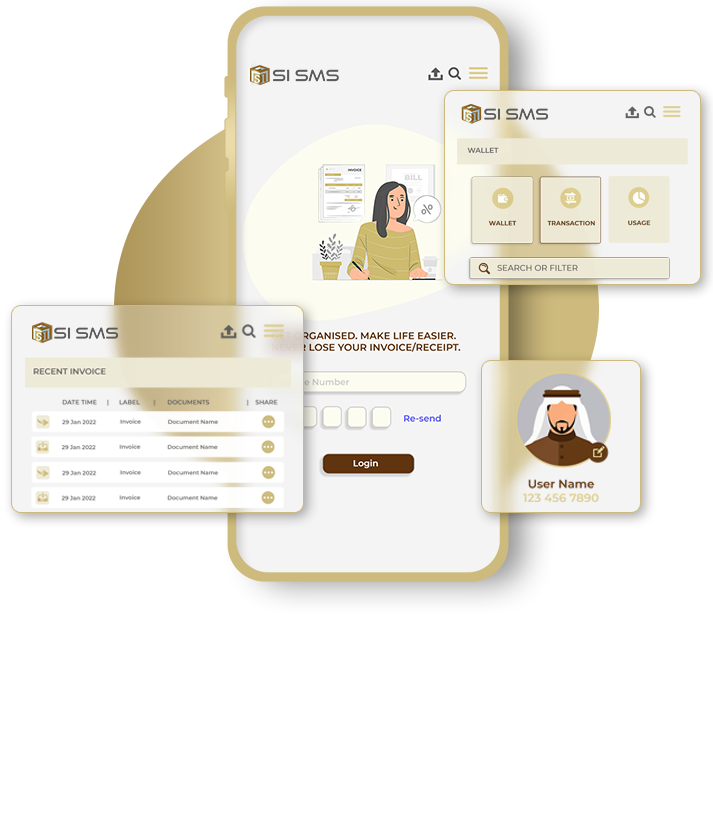
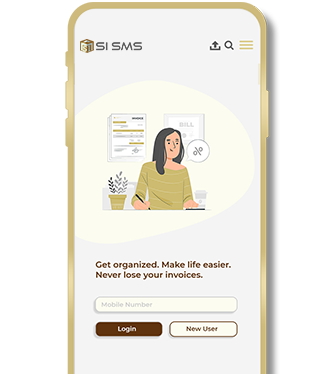
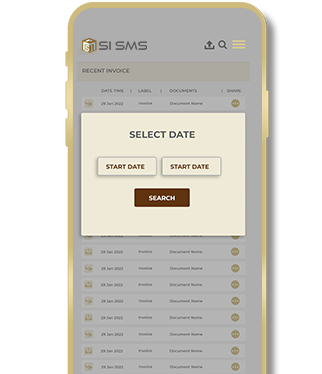
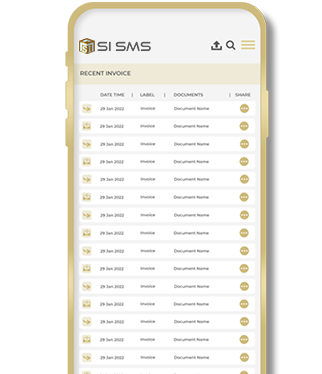
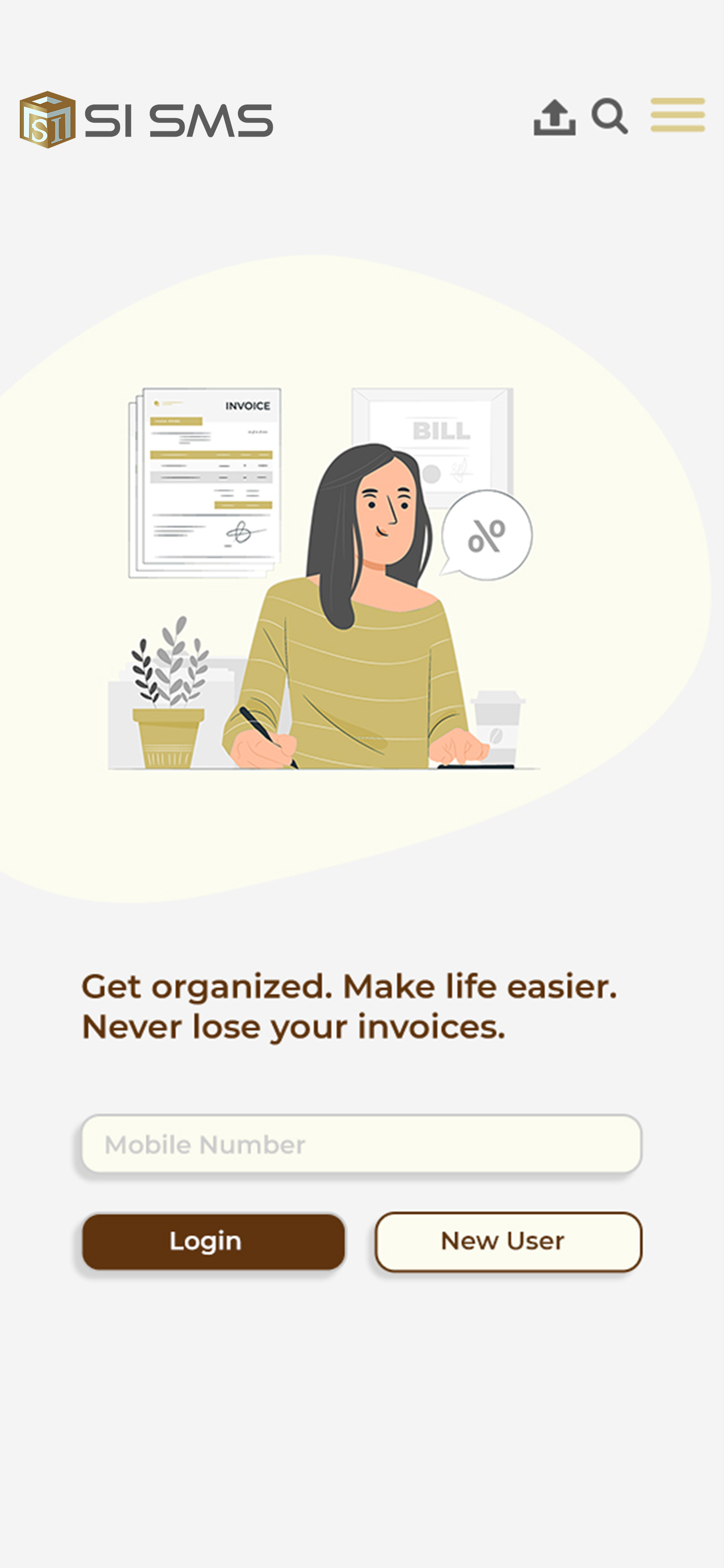
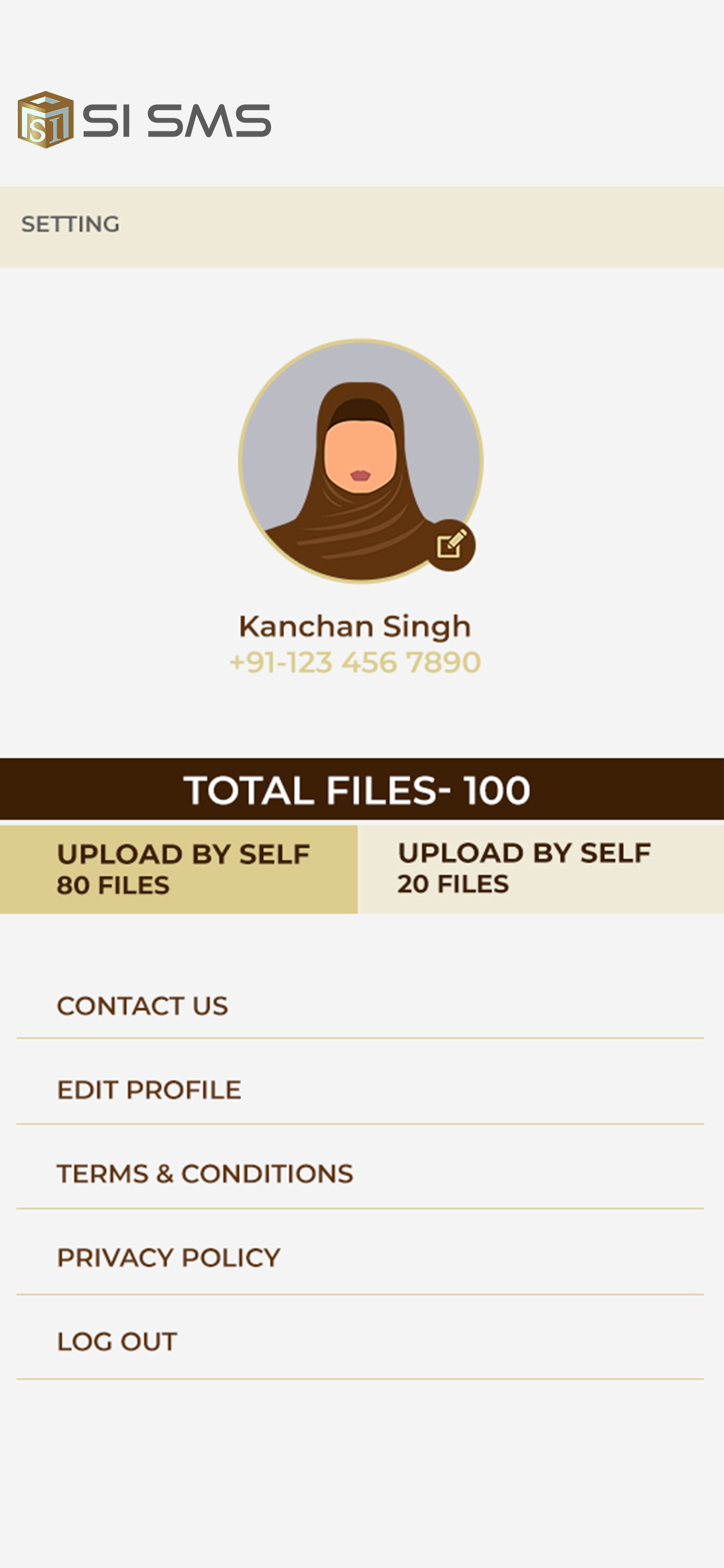
Cloud Account: Users are required to download the mobile app (available on Android or
iOS) from the respective app stores. Upon installation, they create a free account using
their mobile number, which is authenticated through OTP. This account allows them to
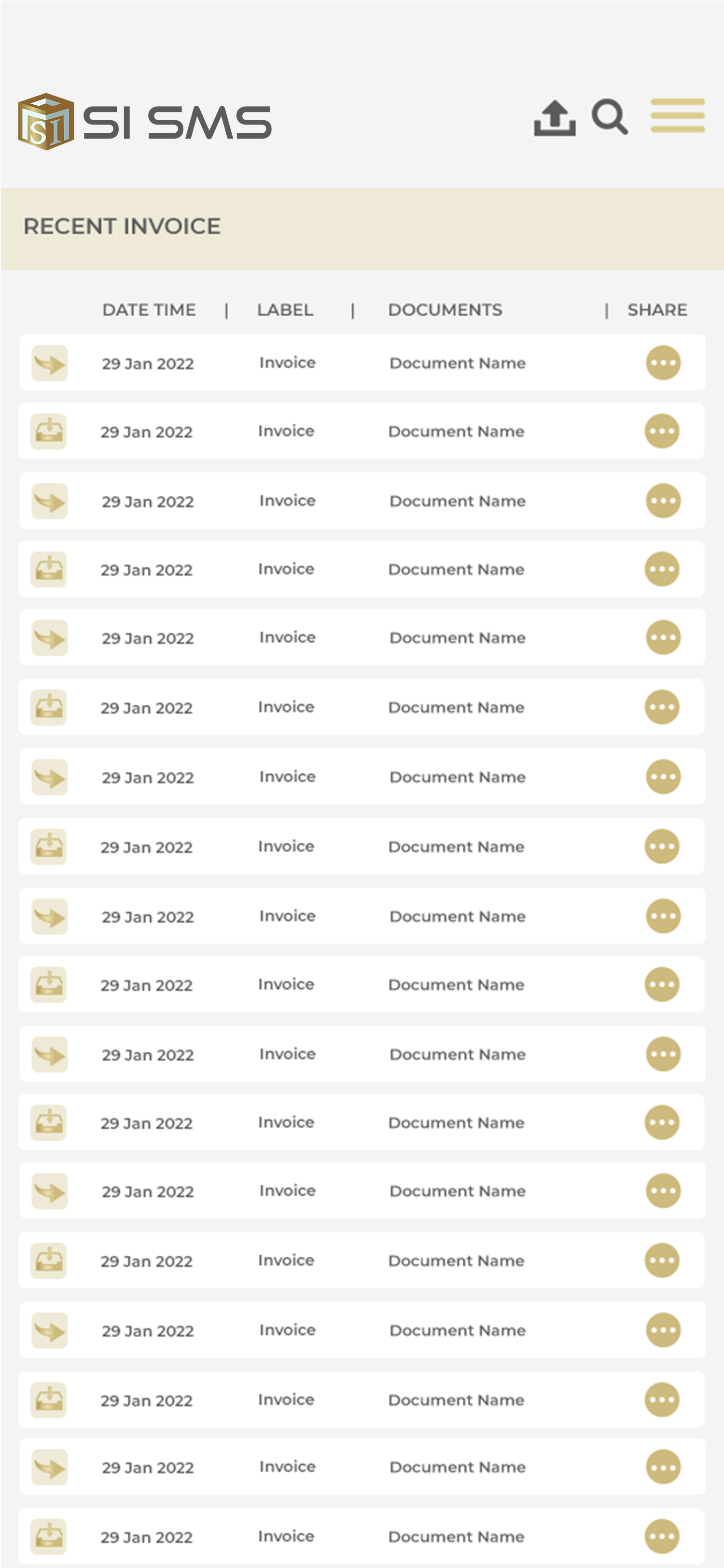
access and synchronize all their files stored in the cloud.